
Media
Media uploads videos, images, and other files for delivery through the CDN. Recordings and manual uploads share the same organization storage pool.
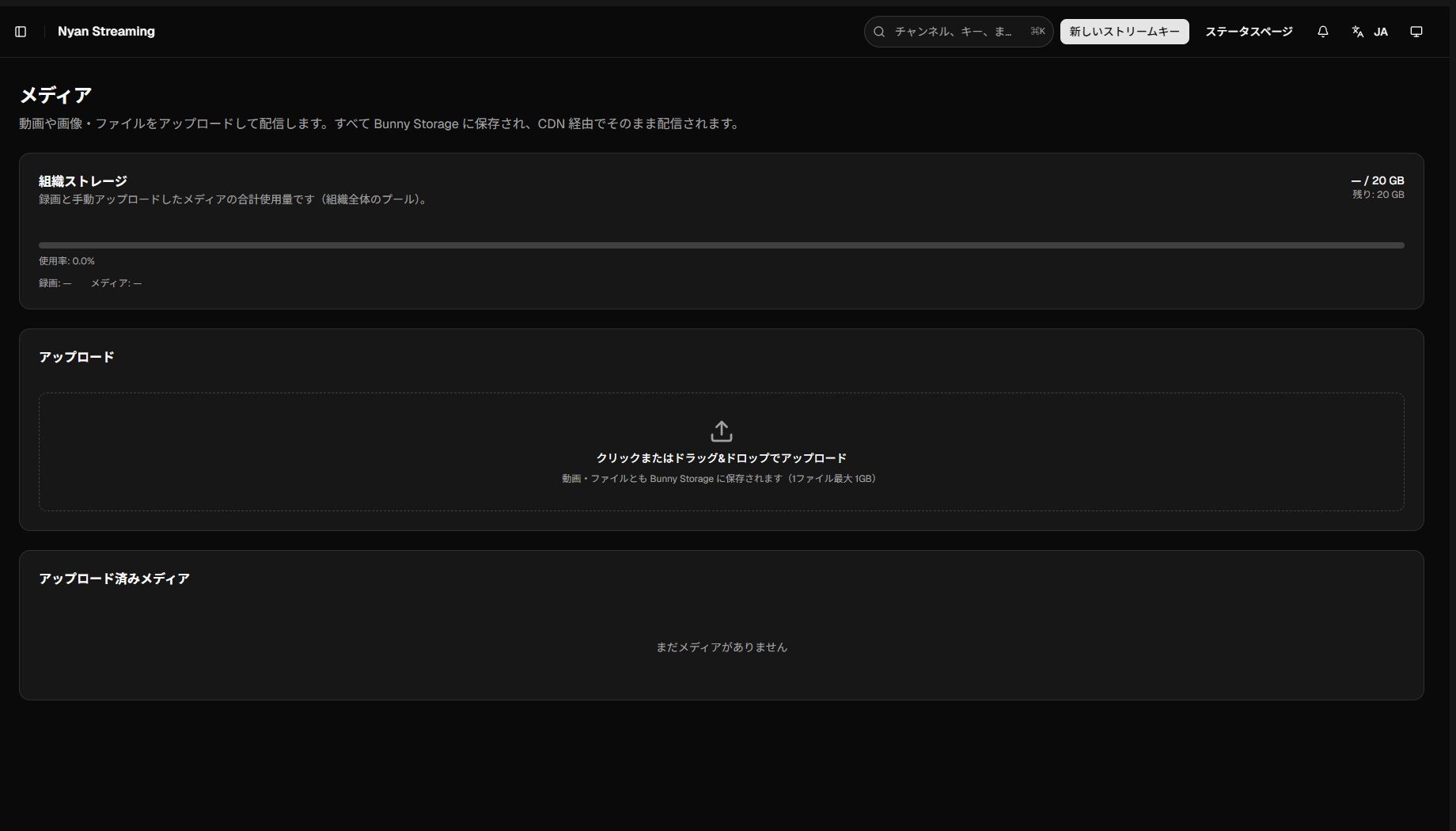
Organization storage
Section titled “Organization storage”The top card shows usage and quota, remaining capacity, utilization, and separate recording/media totals. Unlimited plans show current usage without a quota.
New recordings or uploads can fail when storage is full. Download anything you need, then remove unused files or change the plan.
Upload a file
Section titled “Upload a file”- Click the upload area or drag and drop a file onto it.
- Wait for progress to reach 100% and the status to become Ready.
- Verify its name, type, size, and status in the list.
The per-file limit is 1 GB. A video may not be playable while it is processing. If it becomes Failed, check its size and your connection before trying again.
Actions after upload
Section titled “Actions after upload”- Play uploaded video from the action button.
- Rename only the base name; the extension is retained.
- Names may contain letters, numbers, hyphens (
-), and underscores (_). Spaces, non-ASCII text, and other symbols are not allowed. - Delete files that are no longer needed.