
Server Status
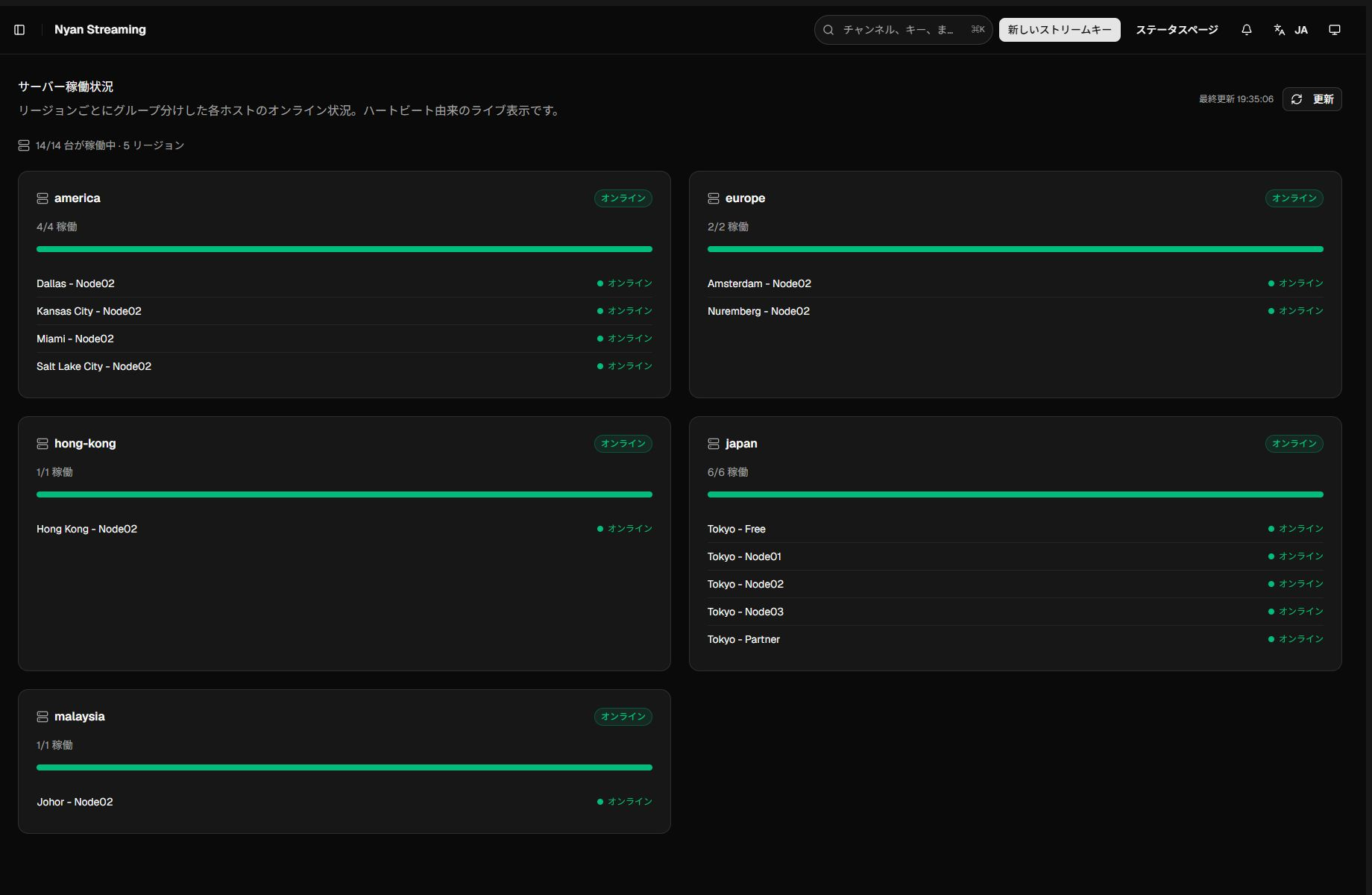
Server Status reports each region and streaming node from live heartbeat data.
Reading the page
Section titled “Reading the page”The summary shows online nodes, total registered nodes, the number of regions, and the last update time. Region cards identify each node as Online or Offline. Regions configured to hide hostnames show only their node totals.
Use Refresh to retrieve the current state. A dedicated message appears when the status API is unavailable or no servers are registered.
Choosing a node
Section titled “Choosing a node”The uses, recording support, music-reporting requirements, and 24-hour restrictions of Node01, Node02, and Node03 are explained on Choosing a Node. Check the guide before publishing.
Before publishing or during an incident
Section titled “Before publishing or during an incident”- Confirm that the intended region is online.
- If it is offline, reload and check KuronekoServer Status.
- When another region is available, enter that region’s publish URL in OBS or the publisher.
- After publishing starts, confirm ingest traffic in Analytics.