
Plans, Limits, and Policies
Plans, Limits, and Policies
Section titled “Plans, Limits, and Policies”Nyan Streaming plans are contracted on a per-organization (team) basis. Depending on the plan, the upper limits for roughly the following items change.
- Number of stream keys (the number of stream keys you can hold simultaneously)
- Number of concurrent viewers (total across the entire organization)
- Input bitrate (total upper limit across the entire organization)
- Storage capacity (storage capacity for recorded and uploaded media)
- Available features and servers (nodes)
The available plans are Free / Standard / Pro / Enterprise. On Pro and above, you can also use add-ons for additional bitrate, viewers, storage, stream keys, and more (using additional bitrate requires administrator approval).
Main Limits on Streaming and Viewing
Section titled “Main Limits on Streaming and Viewing”Maximum Continuous Streaming Time (24 Hours)
Section titled “Maximum Continuous Streaming Time (24 Hours)”If one publish session runs continuously for 24 hours on a node where the duration limit is enabled, the stream is disconnected and every stream key in the organization is blocked for one day. Reconnecting starts a new continuous-session timer.
Node03 is exempt from this 24-hour limit. Select Node03 for low-bitrate continuous streams that must run beyond 24 hours. Contact the operators in advance if your long-running stream does not fit the intended use of Node03.
Recording-Compatible Node
Section titled “Recording-Compatible Node”Recording is available only on Node02. Under the licensing agreements with JASRAC and NexTone, recording data from Node01 cannot be made available to users. Node03 does not support recording because it is intended for long-running streams and recording could consume excessive server storage.
Even when using Node02, recording must be included in your plan and the organization must have available storage. See Archives for instructions.
Exceeding the Bitrate Limit
Section titled “Exceeding the Bitrate Limit”If the organization’s combined input bitrate remains above the plan limit for more than 10 minutes, the newest streams are disconnected until the total falls within the limit. Affected stream keys cannot publish again for one hour. To raise the limit, submit a request for additional bitrate from the dashboard (subject to administrator approval).
Available Viewing Regions
Section titled “Available Viewing Regions”Depending on the plan and server (node) settings, viewing may be limited to within Japan. Whether global streaming is available varies by plan, so please check the plan screen or contact us for details.
Codec Restrictions
Section titled “Codec Restrictions”Because the server does not re-encode video, you must stream using supported codecs such as H.264 (video) / AAC or PCM (s16be) (audio). Audio from a PCM (s16be) stream published over RTSP is delivered as AAC when viewers use a non-RTSP playback method. For details, see the List of Supported Codecs.
Screens Shown to Viewers During a Restriction
Section titled “Screens Shown to Viewers During a Restriction”When publishing is restricted, viewers see a reason-specific warning screen in place of the normal stream. Automatic restrictions show their scheduled lift time in the dashboard.
More Than 24 Hours of Continuous Streaming
Section titled “More Than 24 Hours of Continuous Streaming”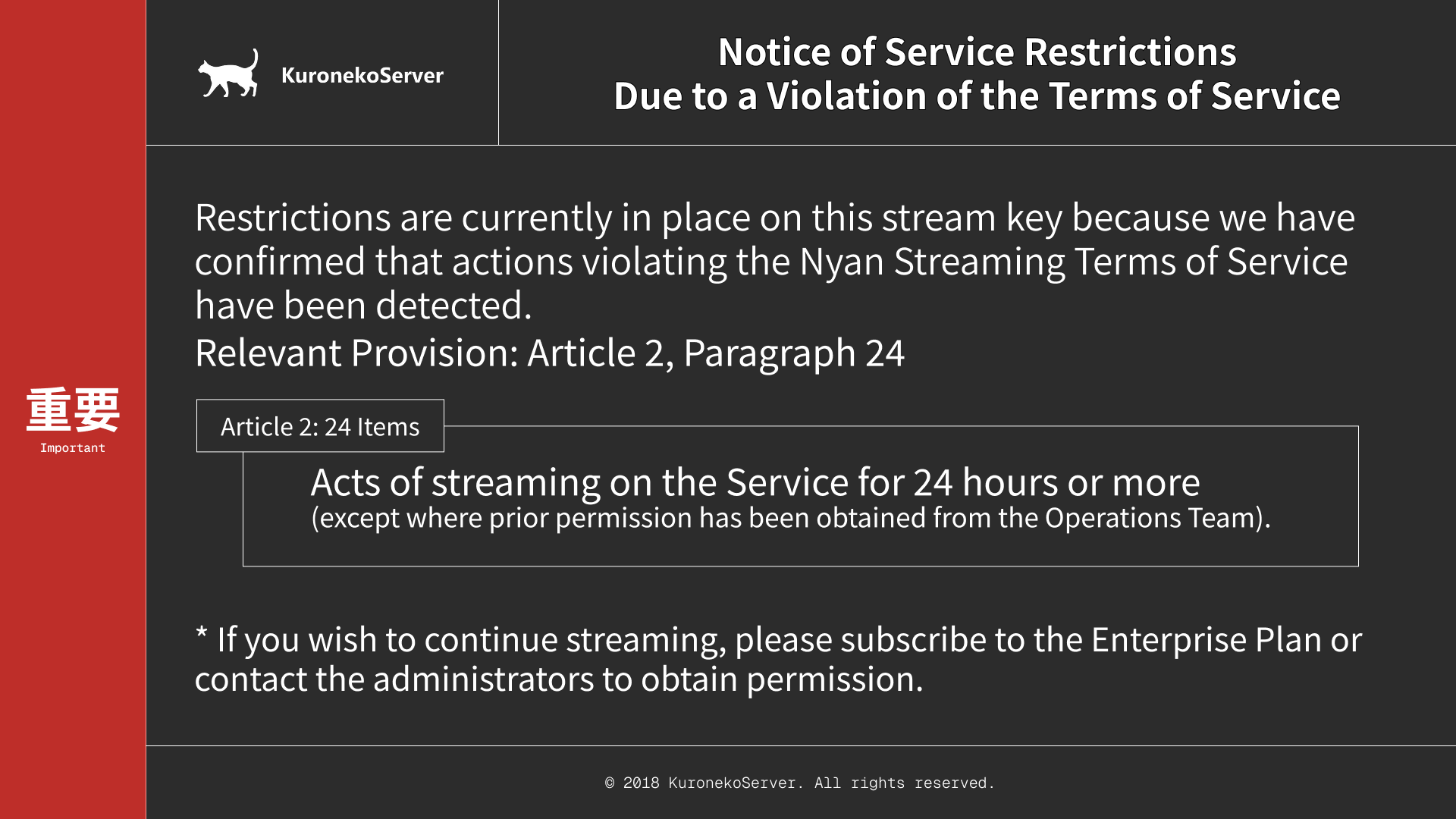
Bitrate Limit Exceeded
Section titled “Bitrate Limit Exceeded”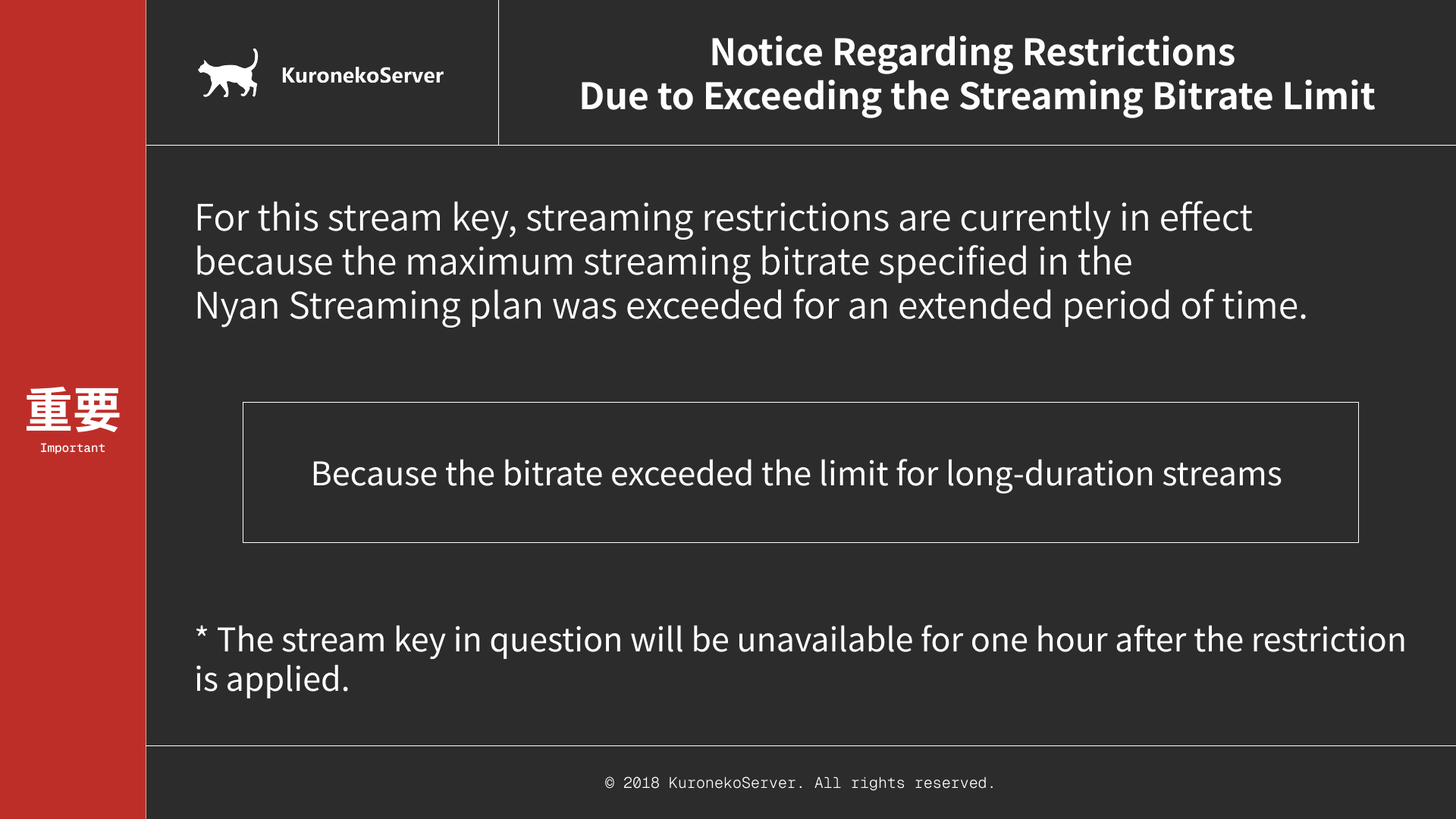
Other Terms-of-Service Violations
Section titled “Other Terms-of-Service Violations”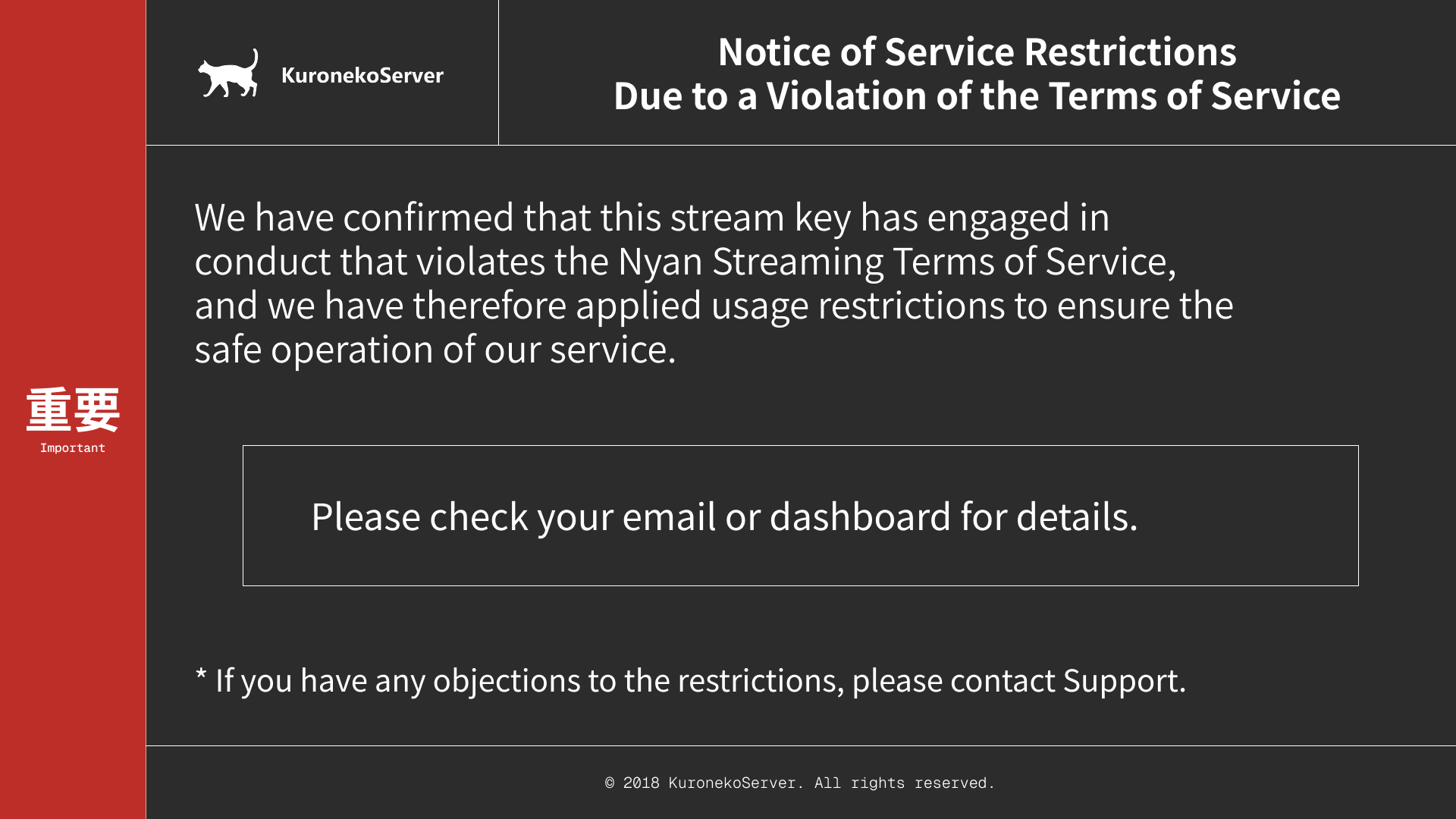
See Troubleshooting for the recovery steps for each restriction.
Usage Policies
Section titled “Usage Policies”Terms of Service
Section titled “Terms of Service”When an administrator confirms a violation of the Nyan Streaming Terms of Service, publishing by the affected organization or user is stopped and blocked. This block does not lift automatically. Contact us to request a review. If you find a violation, report it immediately to abuse@krnk.org.
Applying to Use Music
Section titled “Applying to Use Music”If you use music managed by JASRAC / NexTone or similar in your stream, please apply through the music usage application form in the dashboard.
What You Can Do in the Dashboard
Section titled “What You Can Do in the Dashboard”- Create, regenerate, and delete stream keys, and check viewing URLs
- Manage and download archives recorded on Node02
- Configure restreaming (external RTMP destinations)
- Switch program output (channels)
- Issue API keys (for using the public API)
- Configure publish-source IP access rules
- Configure notifications (in-app notifications / Webhook / email)
- Manage teams (organizations), members, and billing
For detailed steps on each operation, see Using the Dashboard.